Tag: blender

  • SMS Experiment, Day 8

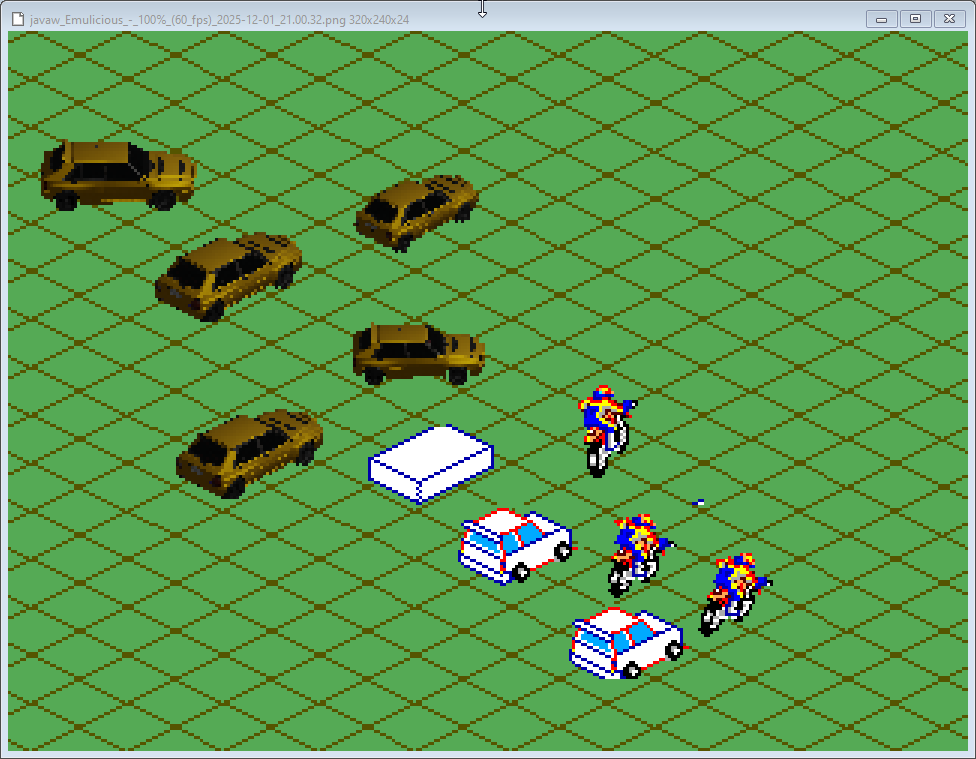
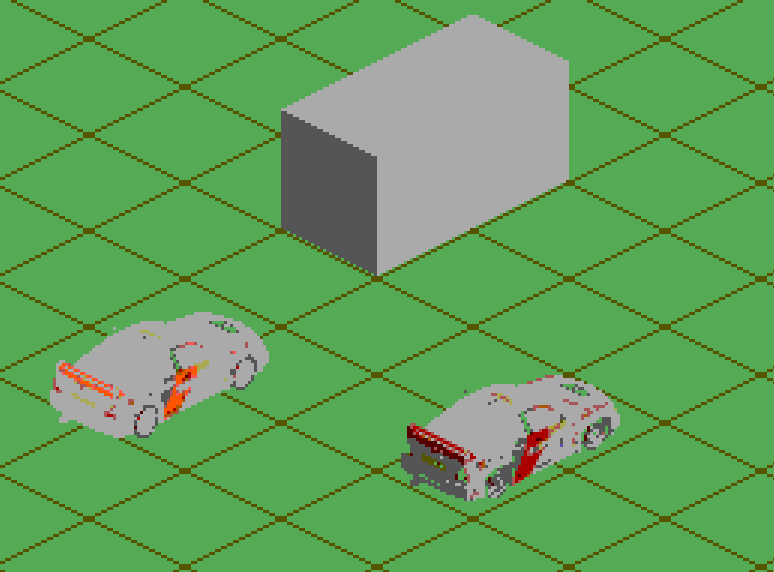
    Today was my second attempt at trying to figure out a way to help create isometric sprites that can go in 360 degrees. After yesterday’s lack of success, I thought I’d just create the sprites by hand using images as reference. I couldn’t decide what type of rally car to go with so I went with the Lancia Delta because it’s pretty boxy. Boxy obviously meant it was going to be easier. But as you can see from my test attempts it wasn’t working. I couldn’t get the shaping right just doing it by eye. The spoiler wasn’t done too badly, though!

    I was using the Enduro Racer bike sprite to get a feel of what the size of the sprite should be. Last night’s test cars were way too big. I think a sprite that’s six sprites across should be fine for all angles, and it leaves me room for effects sprites like dust and exhaust flames. I’d use a sprite flicker strategy to keep the car always visible.

    With the manual method obviously not working I went back to using a 3D model but this time with the intention of using it as a base, not as the final result. I found this model of a Delta and took test isometric screenshots. Next time I’ll be drawing over it while hopefully keeping the shape correct.
  • SMS Experiment, Day 7


    Today was cleaning up the GSLib example code to remove the bits I didn’t need and to make the camera handling and sprite drawing more streamlined. Also added the background asset generation for GSLib as part of the build process.

    But the big thing was experimenting with Blender to make pre-rendered isometric (actually dimetric) sprites. It’s been a while since I’ve used Blender and I have to admit I’ve never really liked using it. But hey, it’s free. I downloaded the latest version and setup a basic orthogonal camera and messed with its settings until the rendered shapes fit the tileset I drew.

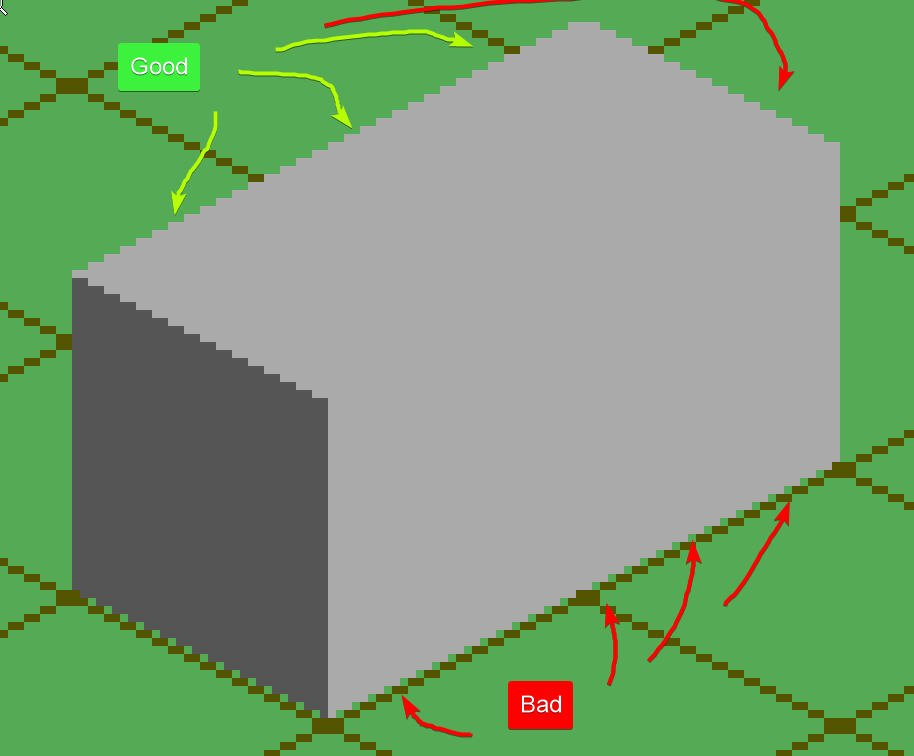
    I first rendered a cube and then a rectangular prism. The top of the rendered shapes fit the background tiles perfectly but the bottom didn’t, which was annoying.

    But it was good enough. I figure I’ll have to manually fix things anyway. As long as I get a guideline.

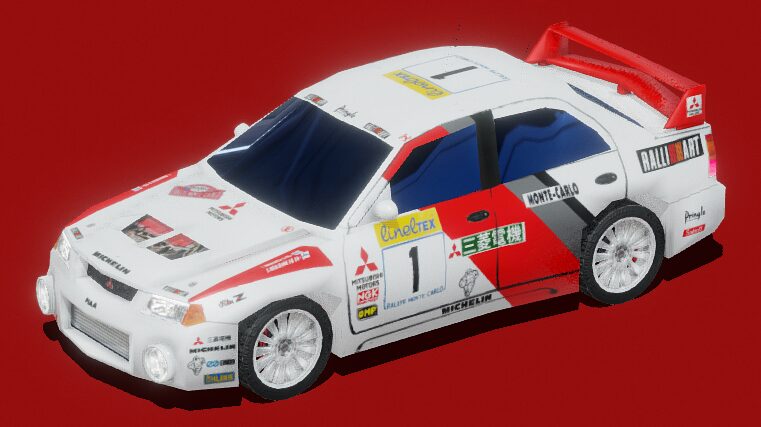
    The next step was to get an actual 3d model of something. I am not a 3D artist so I got nice nice rally car from SketchFab.

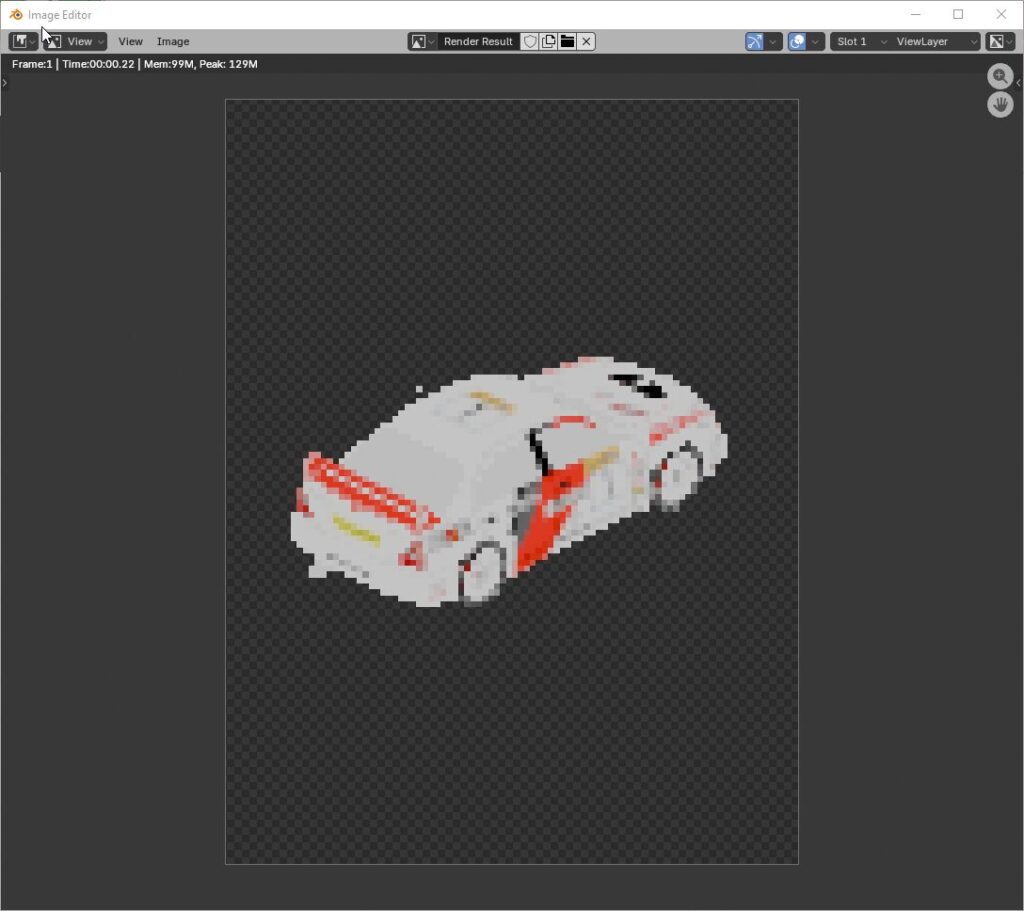
    I rendered it in my test scene and got a reminder that I’m not a lighting artist either.

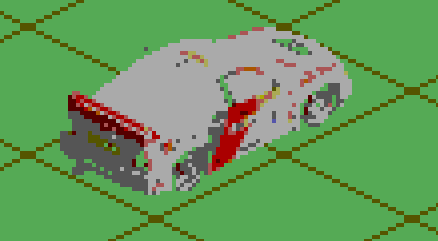
    The colors came out super flat and it wasn’t any better when I imported it into a Graphics Gale imagine using the Sega Master System palette.

    Yeah, I don’t think this is gonna work. I want vibrant colors and sharp lines. Pre-rendered graphics are too muddy and will require too much work from me. But maybe I be able to use it as a guide to draw overtop.

    Experimentation continues!