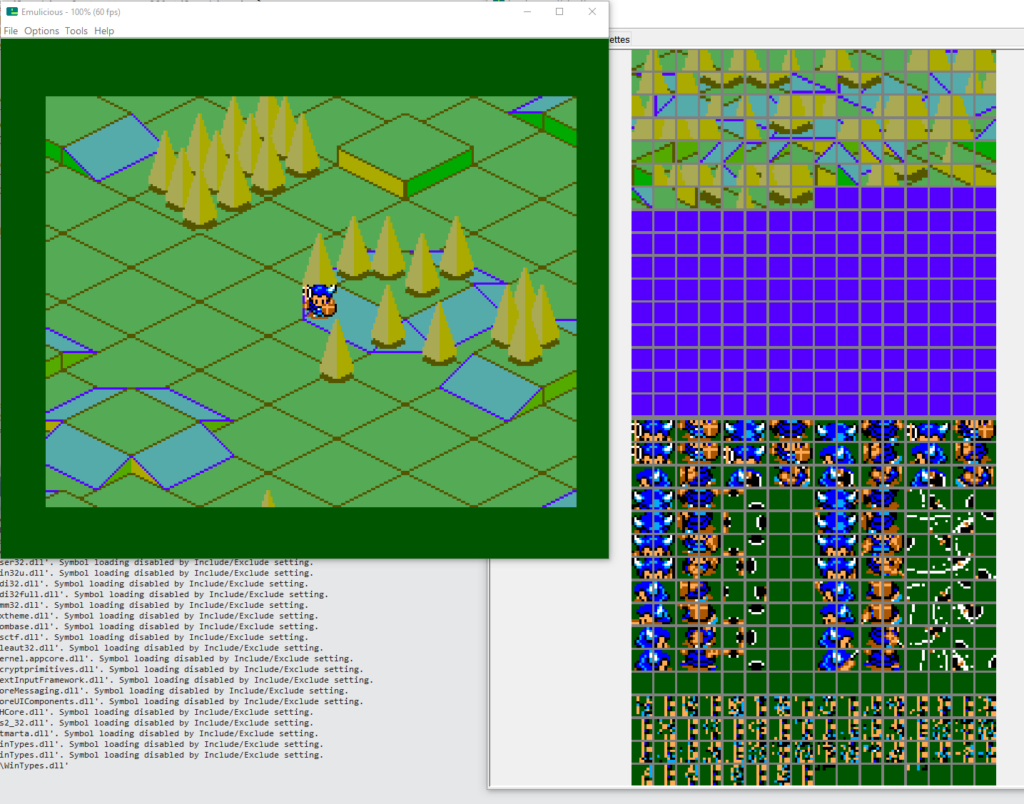
Worked on importing the sprite graphics into the game prototype. Reused a lot of the animation/drawing code from my old Ninja Girl project.
Once the graphics were imported, started on the actual driving around. It doesn’t feel like 16 directions is smooth enough. Rom space isn’t an issue so I can definitely try 32 directions.
I don’t understand the sprite glitching at certain angles. I’ll have to investigate. Tomorrow, maybe.
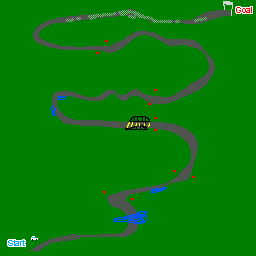
I’m easily hitting the map scrolling limits, which is expected. For racing to happen, tracks will have to be pretty long. I still haven’t thought about how I’ll pull that off. I want actual twists and turns, not like Enduro Racer where it just scrolls in one diagonal direction.
Today was cleaning up the GSLib example code to remove the bits I didn’t need and to make the camera handling and sprite drawing more streamlined. Also added the background asset generation for GSLib as part of the build process.
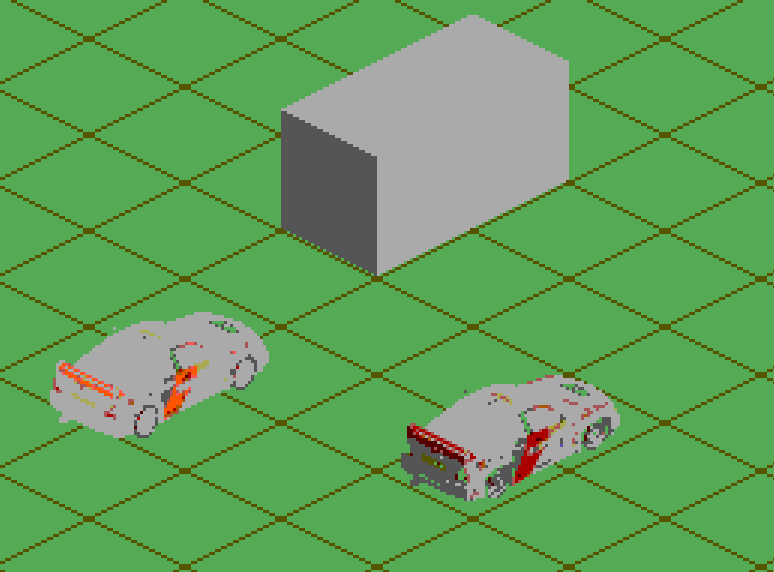
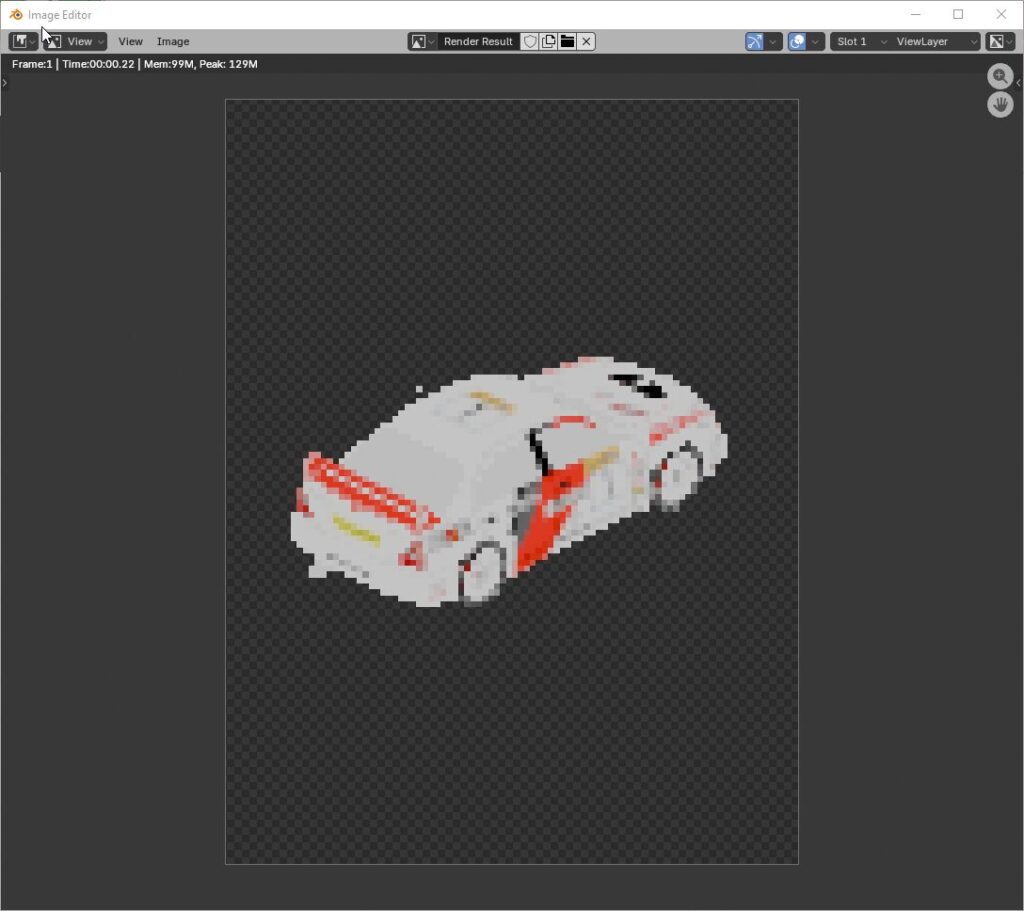
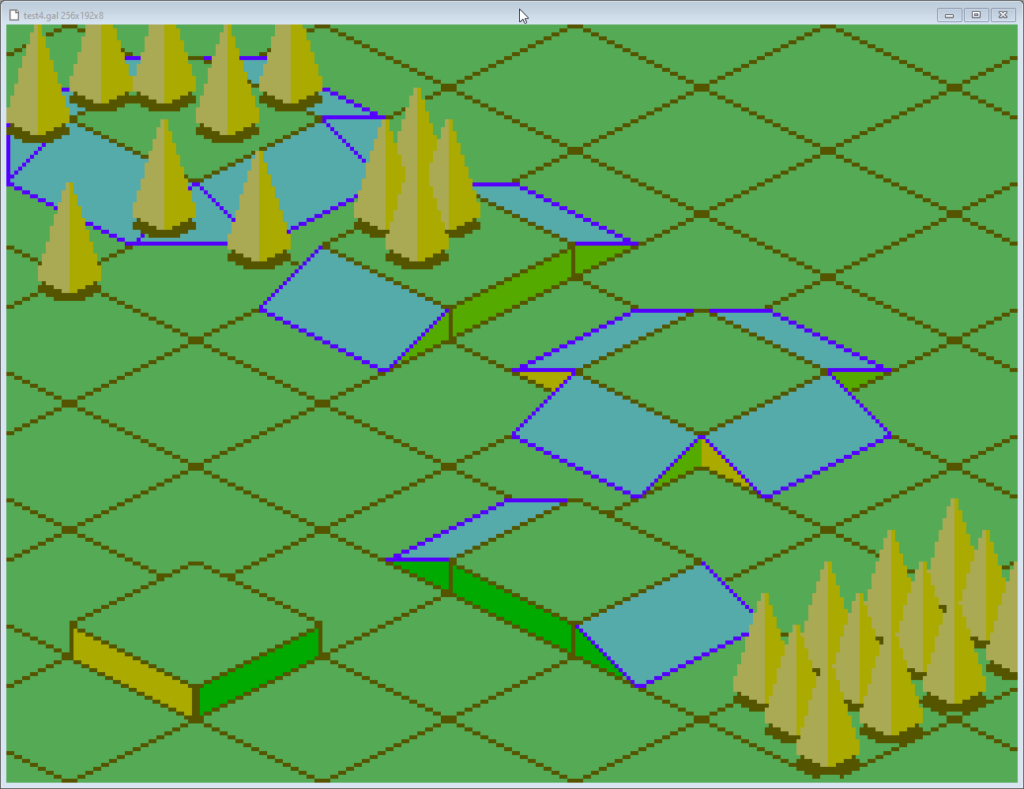
But the big thing was experimenting with Blender to make pre-renderedisometric (actually dimetric) sprites. It’s been a while since I’ve used Blender and I have to admit I’ve never really liked using it. But hey, it’s free. I downloaded the latest version and setup a basic orthogonal camera and messed with its settings until the rendered shapes fit the tileset I drew.
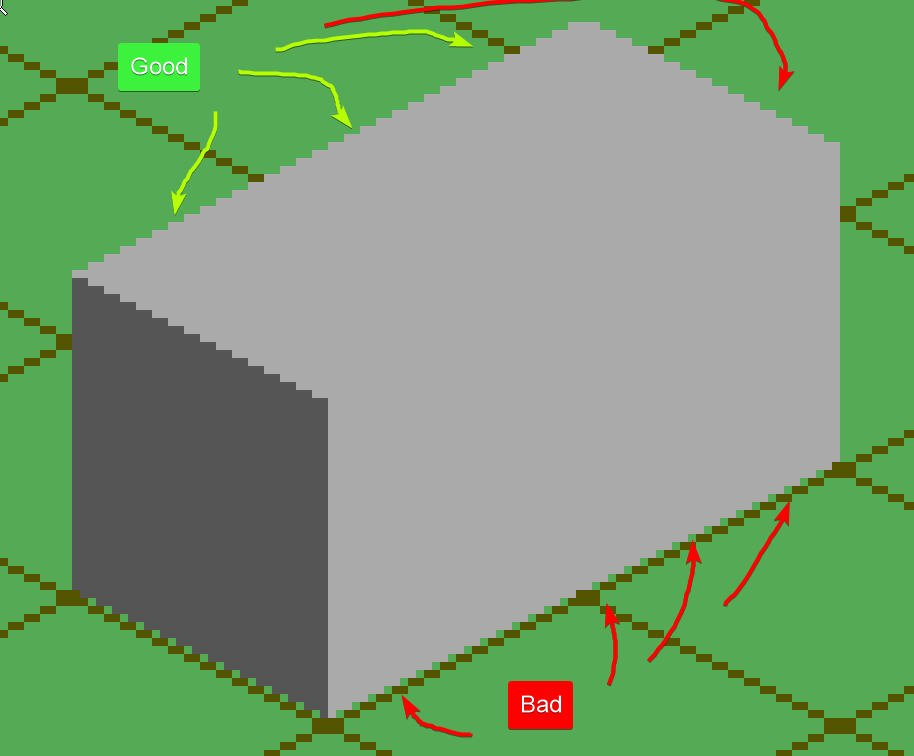
I first rendered a cube and then a rectangular prism. The top of the rendered shapes fit the background tiles perfectly but the bottom didn’t, which was annoying.
But it was good enough. I figure I’ll have to manually fix things anyway. As long as I get a guideline.
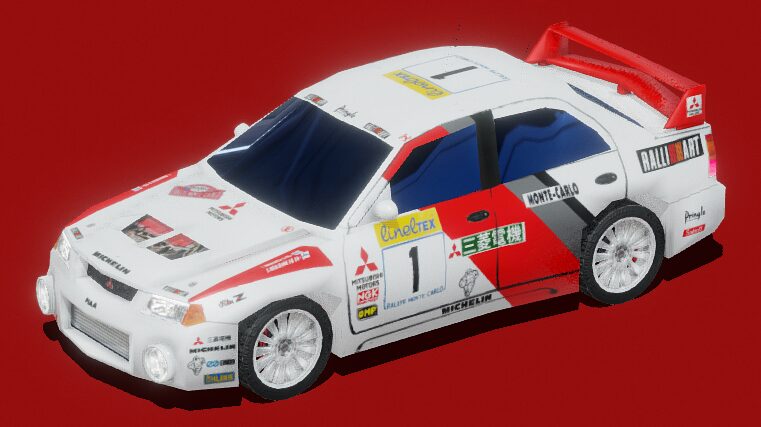
The next step was to get an actual 3d model of something. I am not a 3D artist so I got nice nice rally car from SketchFab.
I rendered it in my test scene and got a reminder that I’m not a lighting artist either.
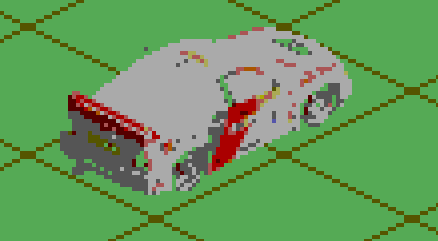
The colors came out super flat and it wasn’t any better when I imported it into a Graphics Gale imagine using the Sega Master System palette.
Yeah, I don’t think this is gonna work. I want vibrant colors and sharp lines. Pre-rendered graphics are too muddy and will require too much work from me. But maybe I be able to use it as a guide to draw overtop.
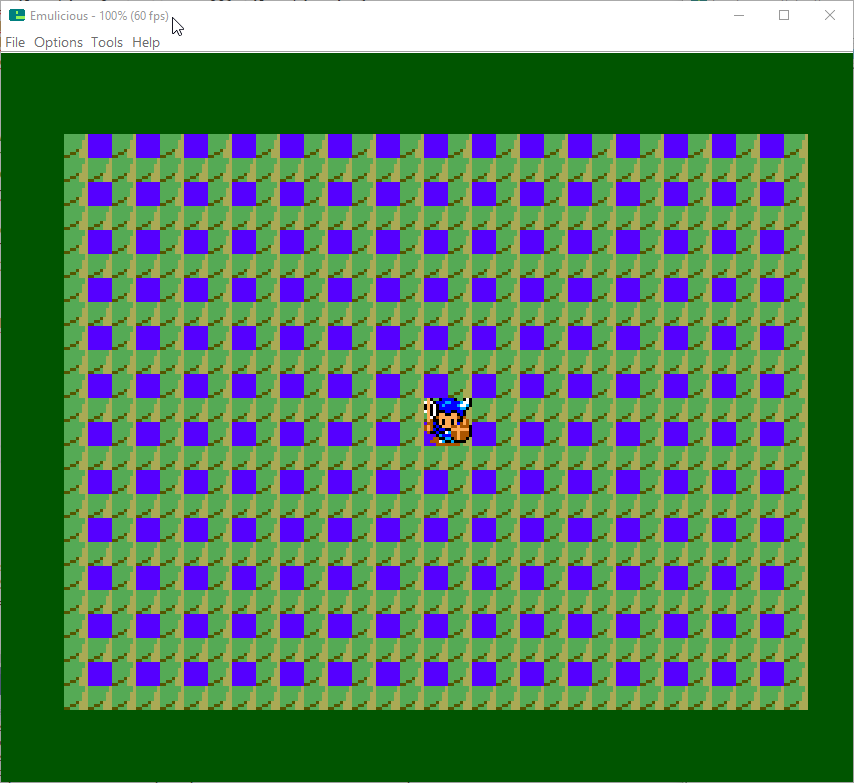
Only had a bit of time tonight (after updating the latest Downland article a million times) but I figured out why the player wasn’t moving around. There’s a metatilesMetaLUT table in the code that determines whether a given 16×16 pixel metatile is walkable or not. The table didn’t match the new background’s set of metatiles so I just changed all the entries in the table from 0 to 1 and now the player can go anywhere on the map.
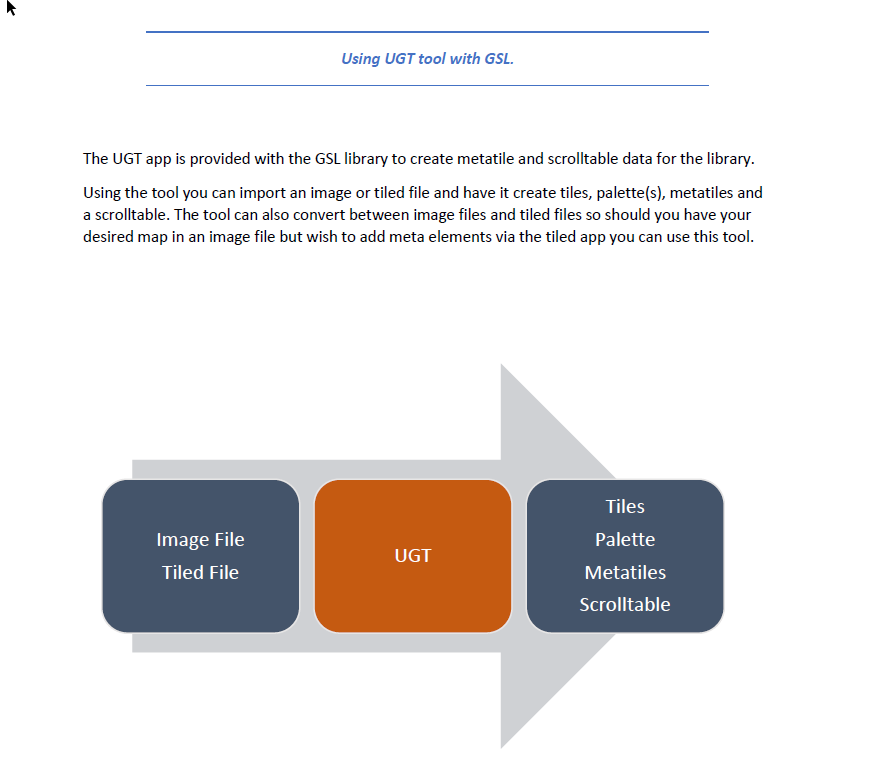
Today I used GSLib’s UGT to export a new background and integrated it into my project. Baby steps!
At first UGT couldn’t run. The version of the tool packed in the original GSLib release uses JavaFX, which isn’t included in recent releases of Java. Fortunately there’s a fixed version by thatawesomeguy on smspower that uses Java Swing. Its GitHub page is found here. It worked out of the box and that’s the version I’m using. It also has a handy export all feature so you don’t have to export all the parts manually.
After I got that settled, I generated a large map, exported binary data from the tool, converted the data to banks and imported it into the project. When I ran it the first time I thought it wasn’t working correctly.
But it turns out I was trying to draw an area outside of the map I made. Whoops! The original demo map was 1024 x 1024 pixels and my test was about a quarter of the size. The game was originally configured to start from the bottom right corner and the new map didn’t have any data in that area. So it was using random yet repeating data from somewhere.
Now that I got that to work, I should try a bigger map! Let me try that right quick.
[…time passes…]
Does it work? The answer is… maybe. I tried a 2048 x 1152 map. The UGT export worked fine but converting to binary with devkitsms‘ assets2banks.exe tool gave me multiple banks of 16k data and I wasn’t ready to start messing around with managing multiple banks yet. Created a 1088 x 1152 map which fit into one bank and that ran successfully.
“Successfully” in the sense that yes the game ran, but it doesn’t actually scroll yet. The new map data doesn’t have the terrain collision setup for the player to walk on. Right now, everything is a solid impassible block.
Fixing that will be for next time.
Ps: You know, I think what’s likely is that the maximum size of the map is whatever that can fit into a 16k bank.
A light day today because I had to work late. With the GSLib example finally running I started looking up how to bring new data in. There’s a UGT tool that does just that. It doesn’t look bad at all. It even has support for the Tiled map editor, which is real nice. I still don’t know what the max limits a map can be, though. The example’s source bitmap is 1024 by 1024 pixels which is pretty impressive (*) but I wonder if it can go bigger.
Since getting the GSLib example running I’ve been trying to set up a project in my own style. I’m fussy and I’ve developed my way of working so whenever I try to adapt a project I always break it down to how I like it. It has the benefit of forcing me to learn how the project actually builds.
It wasn’t entirely smooth sailing because I kept hitting linker errors again. This time, it looked like this:
?ASlink-Warning-Undefined Global 'GSL_TileLookup' referenced by module 'GSLib'
?ASlink-Warning-Undefined Global 'GSL_PositionWindow' referenced by module 'GSLib'
?ASlink-Warning-Undefined Global 'GSL_ActiveDisplayRoutine' referenced by module 'GSLib'
[...]
The linker couldn’t find labels inside the asm blocks of the functions inside GSLib.c. It was essentially complaining about GSLib.c not finding things in GSLib.c.
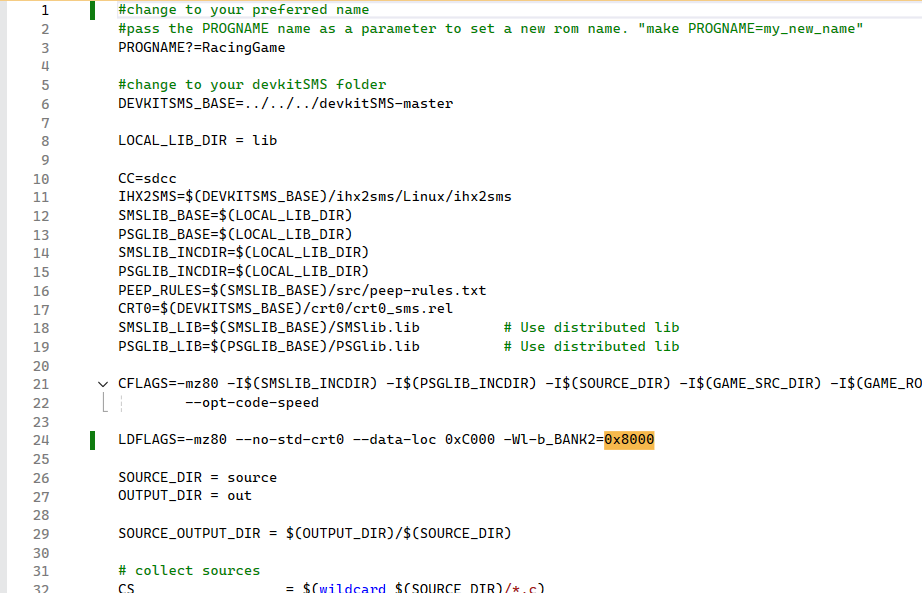
Turns out I had a --peep-asm flag in the makefile’s CFLAGS for the SDCC compiler and it didn’t gel well with GSLib.c. I couldn’t tell you where the flag came from. It was probably something I wanted to test a million years ago and the flag just hung around everytime I made a copy of the makefile.
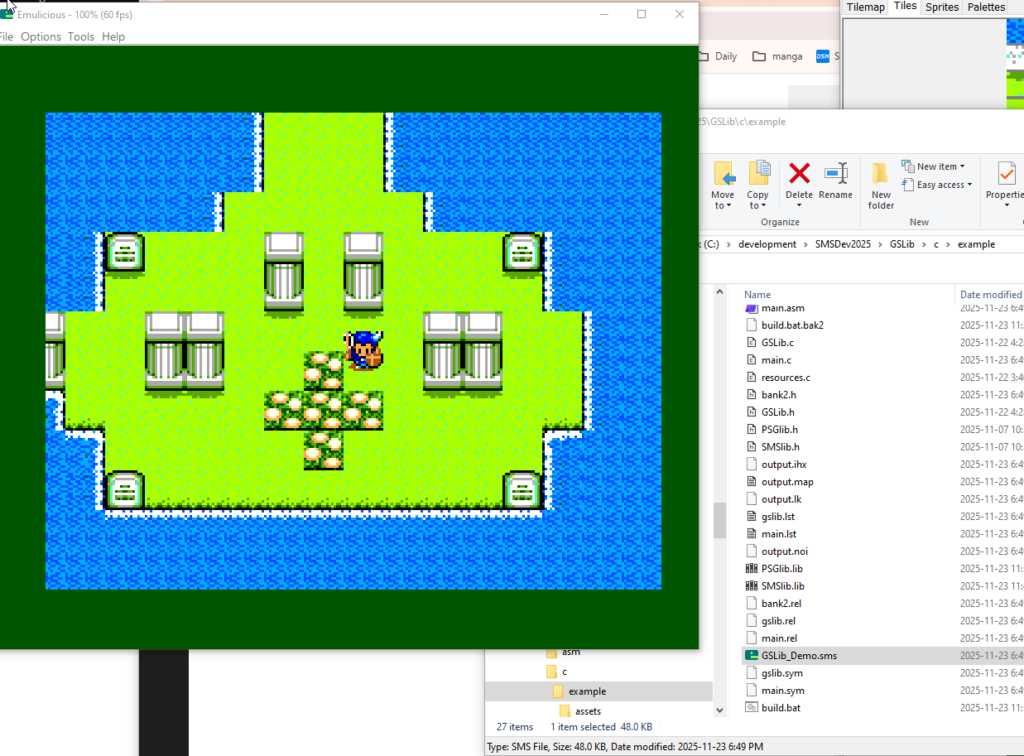
As soon as I got that sorted setting up the rest of the project was straightforward. So now I’ve got the GSLib project building and running again, exactly the same as before except different.
Next step is to figure out how to get new assets into the example.
I kept hitting linker errors due to differences in calling conventions between the pre-built SMSLib and PSGLib libraries from devkitSMS and the GSLib code. A SMSPower forum user suggested building the libraries locally. Turns out that worked. So now I have a building and running GSLib example I can play around with.
I didn’t want to write my own scrolling code as my previous attempt wasn’t performant enough, so I’m looking forward to experimenting with it.